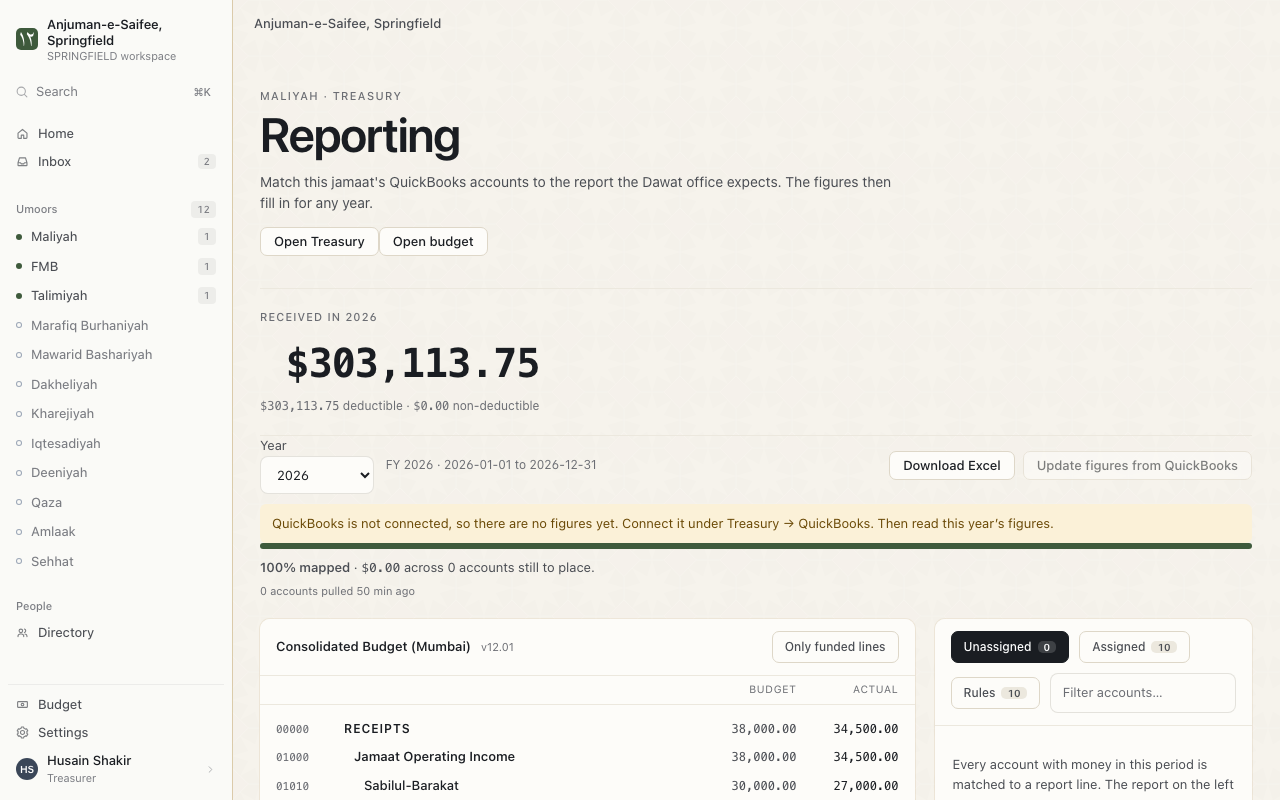
Balances and reports
Balances shows every member's pledges and payments in 1 list. Reports compare your money with the budget.
See every balance
Where. Balances.
- Choose This year or From earlier.
- Choose a fund, or All funds.
- Type a name in Search members.
Each member shows 1 state:
| State | Meaning |
|---|---|
| PAID | The pledge is paid in full. |
| PARTIAL | Some of the pledge is paid. |
| OUTSTANDING | None of the pledge is paid yet. |
| NO PLEDGE | The member has no pledge for this fund. |
| CANCELLED | The pledge was cancelled. |
Tip. Press Hide members who have never pledged for a shorter list.
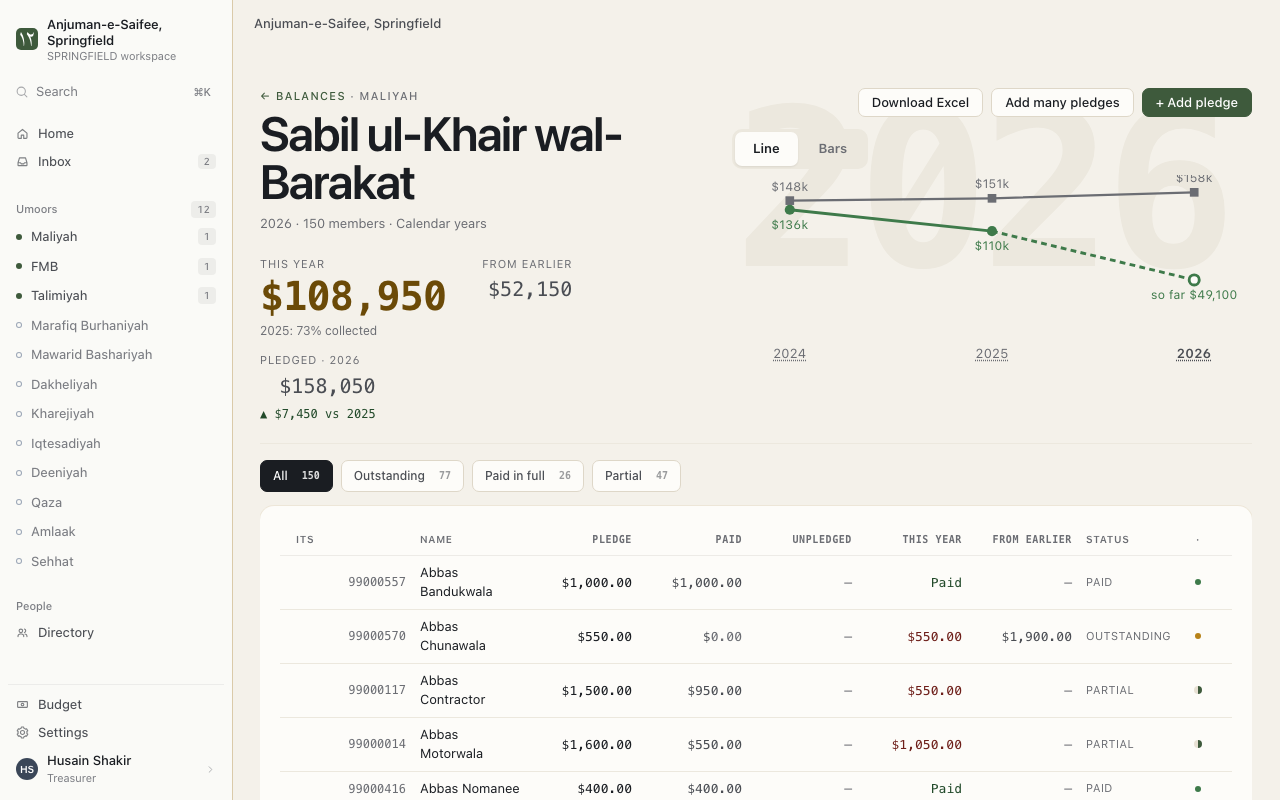
Download a fund's balance
- On Balances, choose 1 fund.
- Press Download Excel.
The yearly report
The report puts your QuickBooks accounts into the lines of the Dawat report. It shows Budget and Actual side by side.
Where. Reports.
- Press Get figures from QuickBooks.
- Some accounts show Unassigned. Choose a report line for each one in Map to.
- The app suggests a line. It shows Strong match, Likely match or Possible match. Check each one.
- Press Update figures from QuickBooks when your books change.
Reminders. One account can feed 2 lines. Use Save split. Write why in the note. The note stays with the number.