Members
The member list comes from ITS. You do not type members in by hand.
The directory
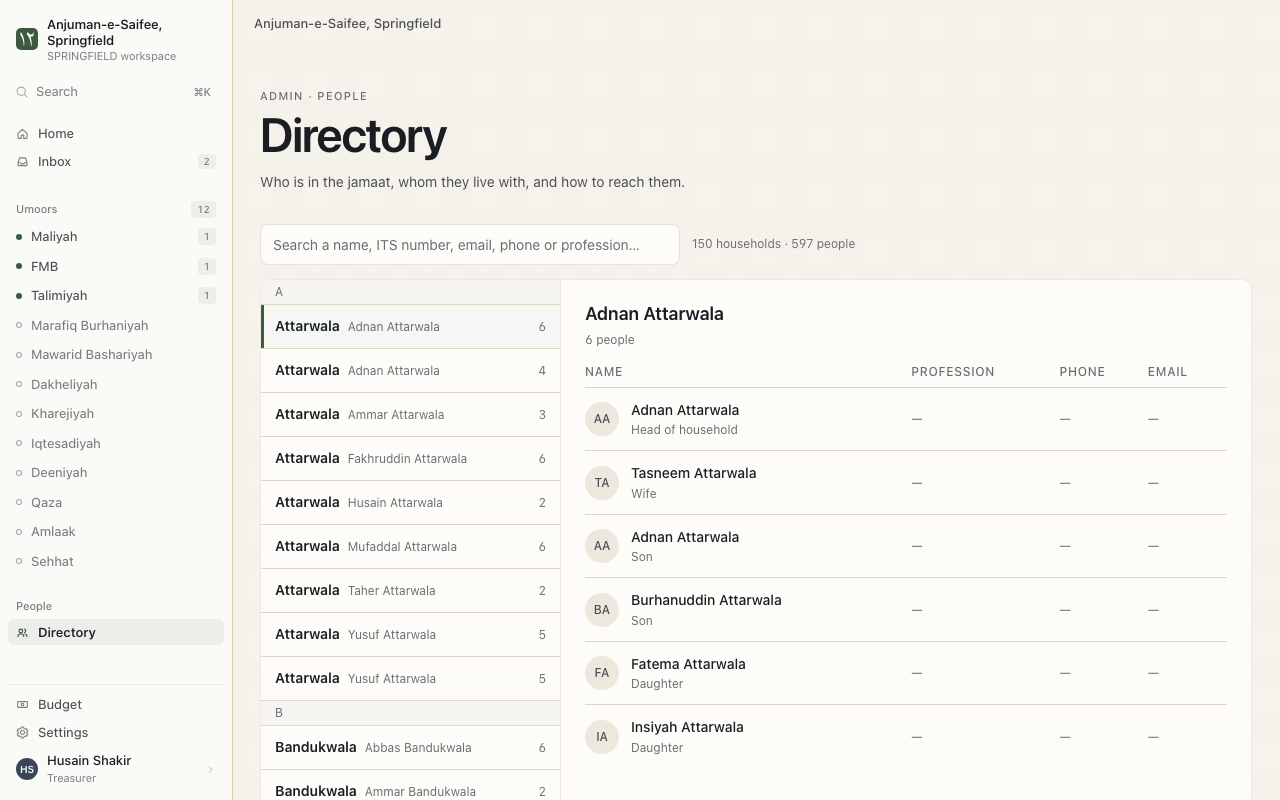
The directory shows who is in the jamaat, who they live with, and how to reach them.
Where. Directory.
- Type a name in Search the directory.
- Open a household. You see each person in it.
A member's page
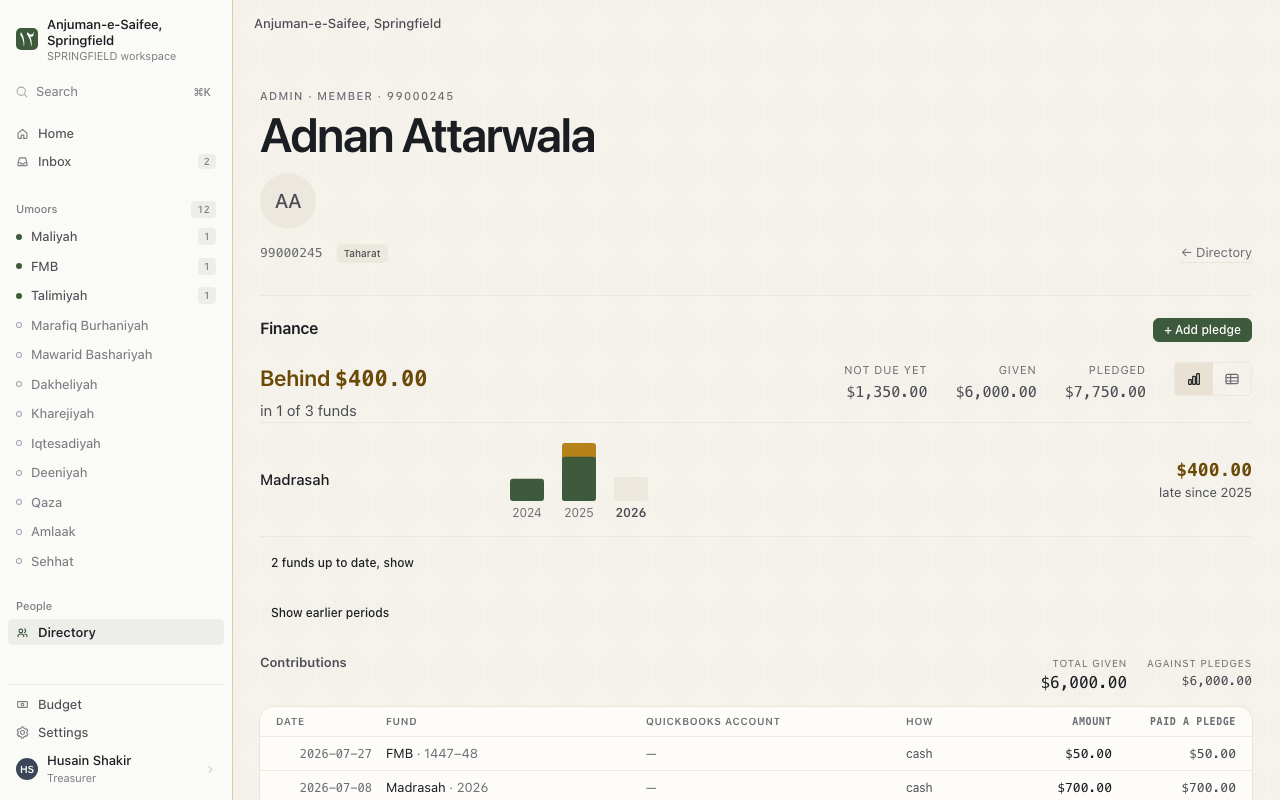
One page shows everything about 1 member.
Where. Members > the member's name.
- Pledged, Given and Still owed for each fund.
- The member's payments, by period.
- Access & roles. The member's roles in the app.
Count a payment toward another member
Some people pay for another person. For example: a son pays his mother's Sabeel.
- Open the payer's page.
- Find the payment. Choose Counts toward.
- Choose Someone else, found by ITS number. Type the ITS number.
Members with no ITS number
Some payers have no ITS number. During Link members, choose Not in ITS for them. Their payments stay in the books.
A business or group that pays
During Link members, choose Not a person. For example: a company that gives a donation.
Starting positions
This is for the treasurer. A starting position is what each person owed on 1 date. The app counts forward from that date. So money paid before QuickBooks starts does not show as owed.
Where. Starting positions > Set a starting position.
- Choose the date in These figures are correct on.
- Paste the figures. 1 line per member: its_number and amount.
- Write the reason in Why these figures.
- Press Check these figures. Read What the check found.
- Press Save these figures.
Reminders. No member sees these figures until you save.