Funds
A fund is a reason to raise money. For example: Sabeel, FMB, Niyaz, Masjid Construction, a pickleball tournament. Your jamaat chooses the names, and the dates each fund runs.
Every pledge names a fund. So make the funds first.
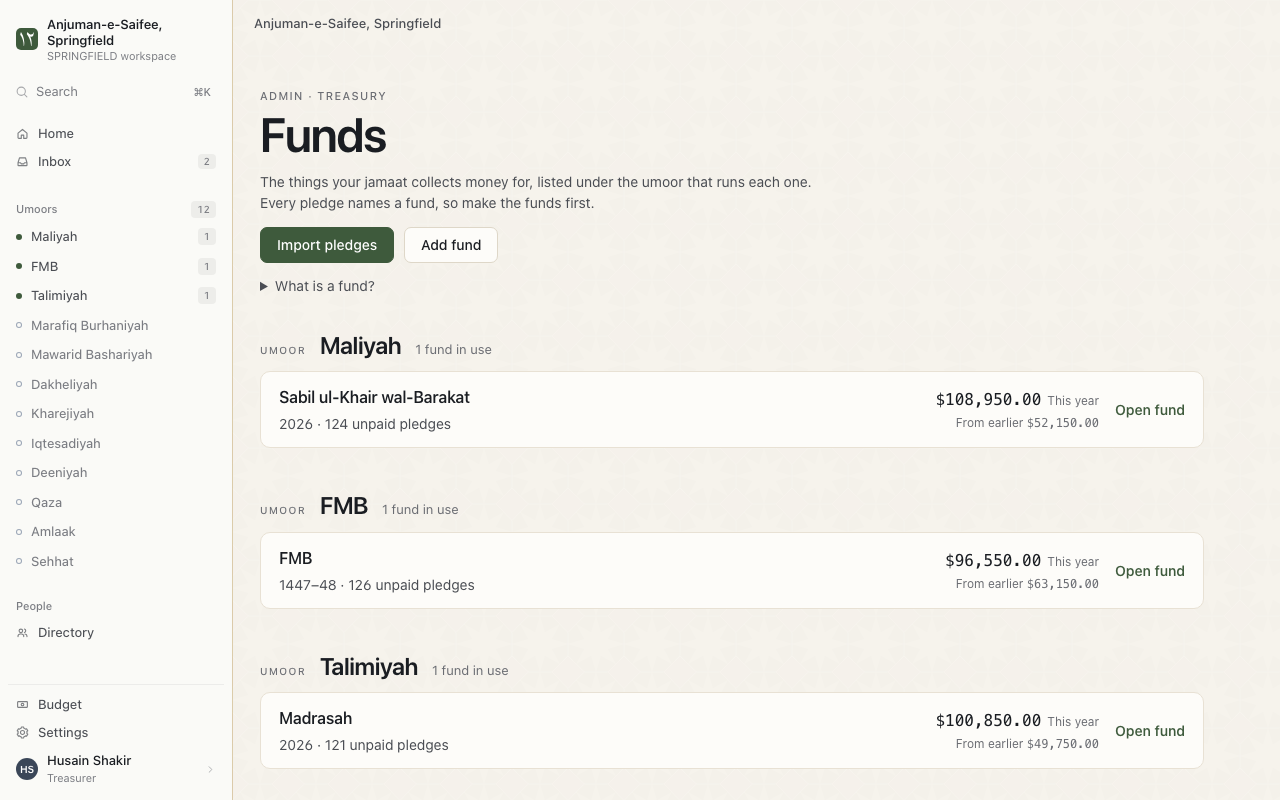
Add a fund
This is for the treasurer. Add a fund for each reason your jamaat collects money.
Where. Funds > Add fund.
- Press Add fund.
- What should we call it? Type the name your jamaat uses.
- Which umoor is this for? Choose the umoor that runs this fund.
- When does this fund run? Choose the dates. Read Set a fund's dates below.
- Press Save changes.
Tip. A building gets its own fund. For example: Masjid Construction.
Next. The fund shows on the Funds page. You can now add pledges to it.
Set a fund's dates
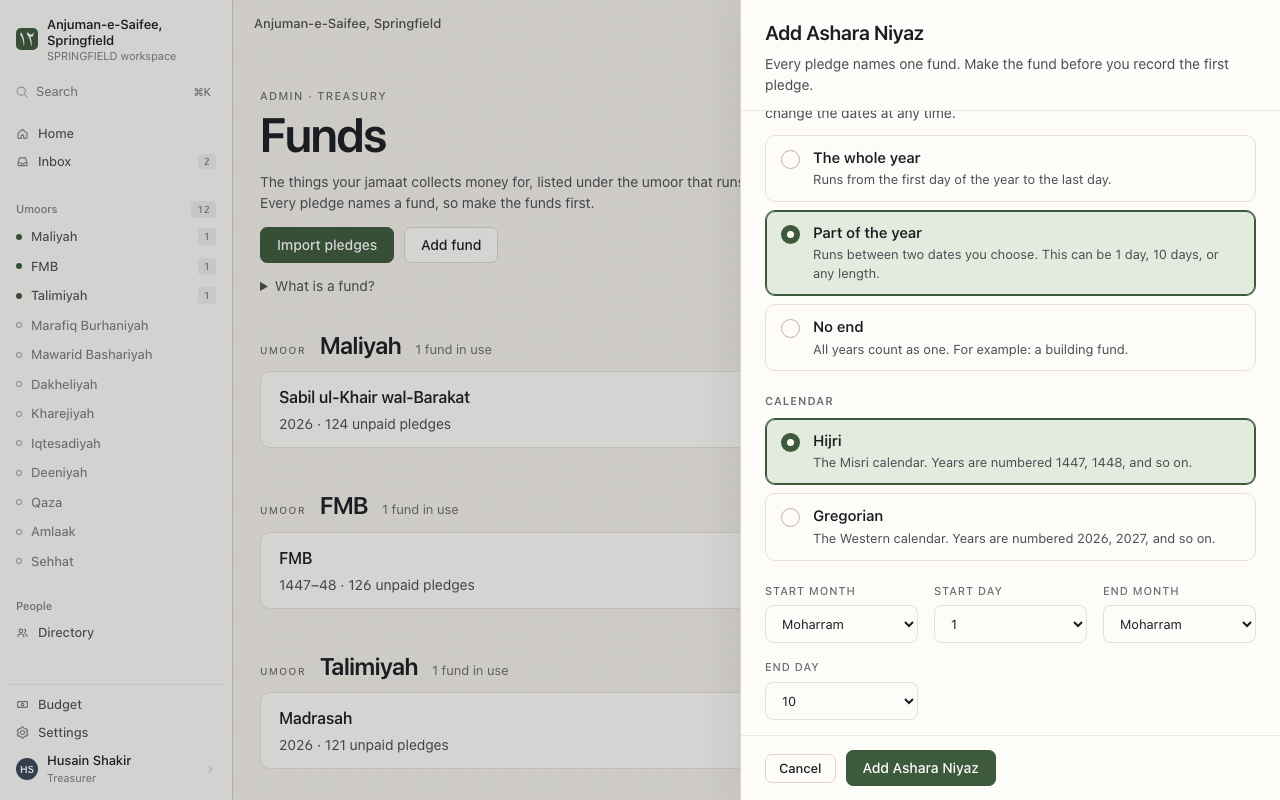
Every pledge and payment is filed under the year its date falls in. So the dates decide which year a payment counts for.
- Open the fund.
- Go to When does this fund run?
- Choose the start and the end. For example: 1 Ramadaan to 29 Shabaan.
- Press Save changes.
The dates use the Misri calendar. You set them once. The app finds the dates for every year.
Reminders. New dates move QuickBooks payments at once.
Give a fund its own column on Balances
- Open the fund.
- Go to Balances page. Tick Give this fund its own column.
- Press Save changes.
Stop using a fund
An old fund can leave your lists. Its history stays.
- Open the fund.
- Go to Is this fund in use?
- Choose Archived. Press Save changes.
To use it again, choose In use.